Golf Score Mate
Simple golf scoring for your iPhone.
Keep score quickly while you play.
Every entry is saved automatically and you can reuse saved cards as course templates.
Quick scoring
Saves automatically
Reuse saved courses
Review past rounds
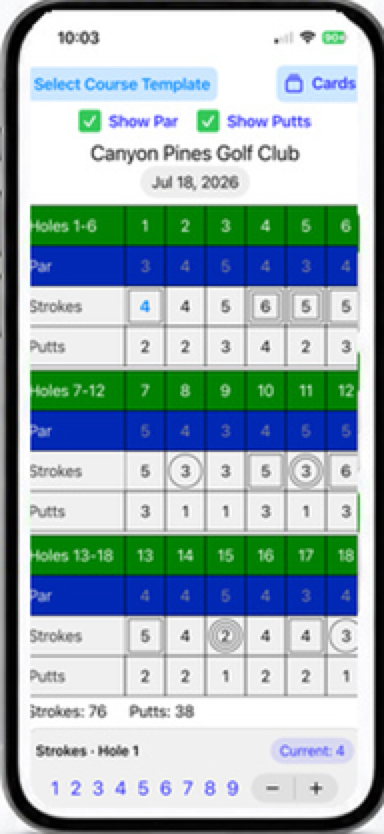
Tap a score cell, then enter the number from the bottom row or adjust with the stepper.
Every score is saved as you play, so you never lose your progress.
Use a previous card as a template. Tap Select Existing
Course to get started.
Par values are preserved.
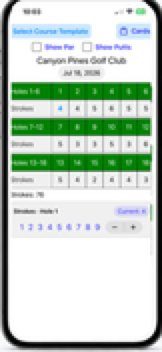
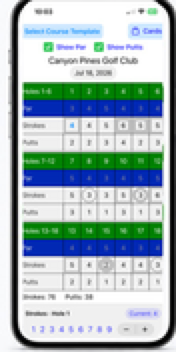
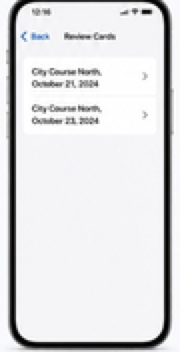
Enter scores quickly
Show par and putts
Tap any cell and enter strokes
or putts in just a few taps.
View par and putts while you play.
Par values are saved with the course.
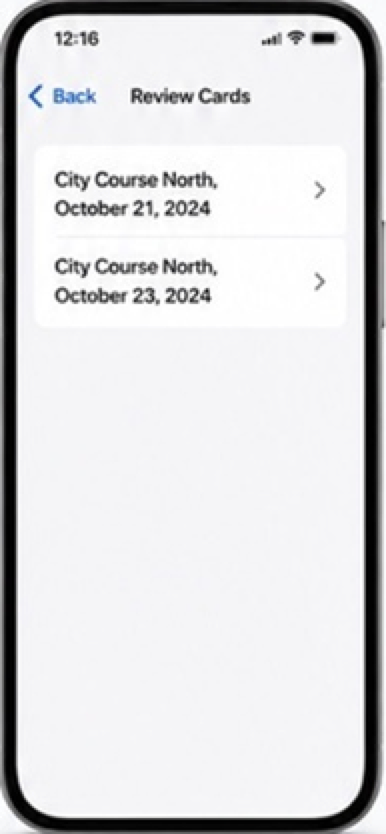
Tap Cards
to start a new round or review a previous round.


Ready for a simpler scorecard?
Golf Score Mate makes keeping score
easy so you can focus on your game.
Keep score quickly while you play.
Every entry is saved automatically and you can
reuse saved cards as course templates.
Simple golf scoring for your iPhone.

Golf Score Mate



Ready for a simpler scorecard?
Golf Score Mate makes keeping score
easy so you can focus on your game.

Quick scoring

Tap a score cell, then
enter the number from
the bottom row or
adjust with the stepper.
Saves automatically

Every score is saved as
you play, so you never
lose your progress.
Reuse saved courses

Use a previous card as
a template. Par values
are preserved when
using Show Par.
Review past rounds

Open saved cards anytime
to review scores and track
your progress.
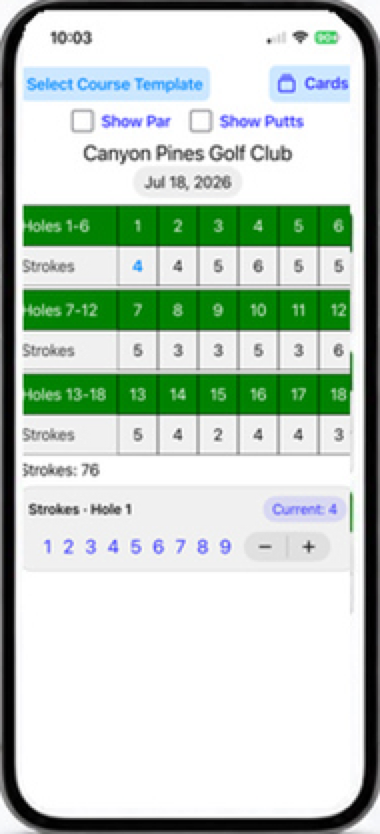
Enter scores quickly
Show par and putts
Review saved cards
Tap any cell and enter strokes
or putts in just a few taps.
View par and putts while you play.
Par values are saved with the course.
Open any saved card to review
scores or use it as a template.
How it works
Tap New Course and enter a course name.
Tap a hole cell for strokes or putts.
Use the number row or +/- stepper to enter the value.
Every entry is saved as you play.